
Mission #22: Your next month of Cloud is one referral away


Count the tabs it takes to ship one pipeline. The editor for the code. A browser for the canvas. Another for the logs. A terminal for the deploy. Every switch is a place to lose the thread, and the thread is the whole job.
On RocketRide Cloud, the canvas lives in your editor. The RocketRide extension installs from the VS Code marketplace, and it also runs in Cursor, Windsurf, Trae and Project IDX. You draw the pipeline next to the code that calls it, test it on the canvas, and deploy the same graph straight to Cloud. One window, from first node to production.
It is the same runtime your Cloud workspace runs, from first test to deploy. One builder's review, in his own words, came down to three things: the VS Code extension, the docs, and deploying app and agent workflows on one platform. Ismael is building a team of agents for staffing agencies, and that was the whole review.
The best tool is the one already open. Put the pipeline in it.
Where it runs
The extension opens the same workspace folder last week's issue described, so the canvas is just a better way to edit the .pipe files already in git. Install from the VS Code marketplace or Open VSX, which is how Cursor, Windsurf, Trae and Project IDX pick it up.
Apps get the same treatment. An app runs in the browser or in a VS Code webview against the same shell, Debug in VS Code launches it with F5, and the client it imports comes from the workspace's own vendored package, matched to the server you are connected to, so the app and the server agree on the version.
Give a month, get a month. For every developer you refer who signs up and deploys a pipeline, you get a month of Cloud on us. Reply to the Mission #22 email with who you sent our way and we credit it.

The week is not over. Today the SF AI Summit is on at AWS Builder Loft, and we are in the room. Tomorrow at 10 AM Pacific, Office Hours moves to Discord for an hour on a question every agent team ends up asking: should the thing grading your agent be an LLM that explains itself, or a decision model that only says yes, no, or not sure? Mithilesh Gaurihar, Josh Phillips, Krish Garg and Ansh Kaushik host, and the case study is Jev, a model that cannot write a word and still makes the call. Then Sunday evening is RocketRide Hangar #2, 5:00 to 7:30 PM Pacific at 900 Folsom Street, San Francisco, hosted by Joe Maionchi and the team: a small room of founders, engineers and curious minds, drinks in hand, no panels, no pitches, just bring the thing you are building. Everything, with dates and RSVP links, is on the RocketRide calendar.
Now the part we keep bringing up. #SFTechWeek opened on the roof of Club 345 with Builders x Bosses x Beers, hosted with Monaco, Hotdata and Cushman & Wakefield: firepits, a golf sim, the AI Barmen pouring, and short talks from teams on what broke and what scaled once their agents reached production. The next night at Cloudflare, Zero to Agent handed everyone a laptop and 90 minutes: a claim arrives by webhook, the agent reads it, approves, denies or escalates, and a piece of plain code checks the decision against the policy. Then the room played fraudster against its own build.
Then #LATechWeek took the same idea south. Last Thursday, 15 October, in Costa Mesa was AI App Build Day, the same hands-on session, from ideas to working agents in one evening, ghosts included. Friday 16 October was the Founders Product Showcase at the MGR Building in Costa Mesa: two rounds of founders on stage with live products and the hardest part of getting them into production, no slides, no sales pitches, and open networking after the second round. Two weeks, two cities, four rooms, one question in every one of them: who is actually running this in prod?
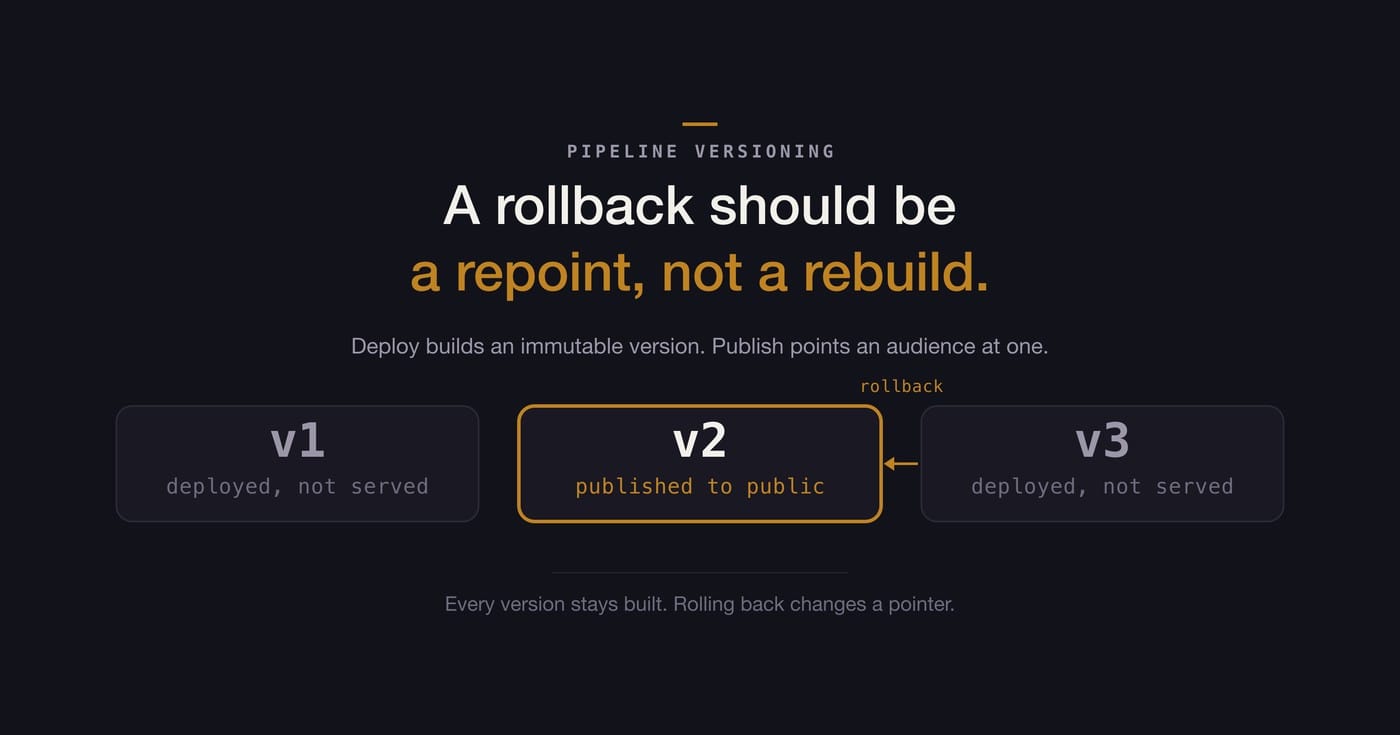
Our newest post, by Mithilesh Gaurihar, starts from the failure everyone recognizes: one prompt edit on a Tuesday, obviously fine, and three weeks later a quarter of the documents come back wrong. You know which version was good. What it costs to get back there is the whole problem.
The argument is that model versioning is not pipeline versioning. Feature flags cover only the paths you predicted; a model registry restores the weights but not the prompt, the wiring or the retrieval config they were validated with. The post lays the three approaches side by side and lands on the third: the whole pipeline as one numbered, immutable version, and rollback as a pointer move rather than a rebuild.
Then it does the thing we like most. Four questions to ask of whatever you already run, which plenty of setups pass without buying anything, and a section called "Where this does not help me" that is unusually honest: a provider changing behavior under you, data drift, writes the bad version already made, and the three weeks it took to notice, which no rollback shortens.


Member discussion